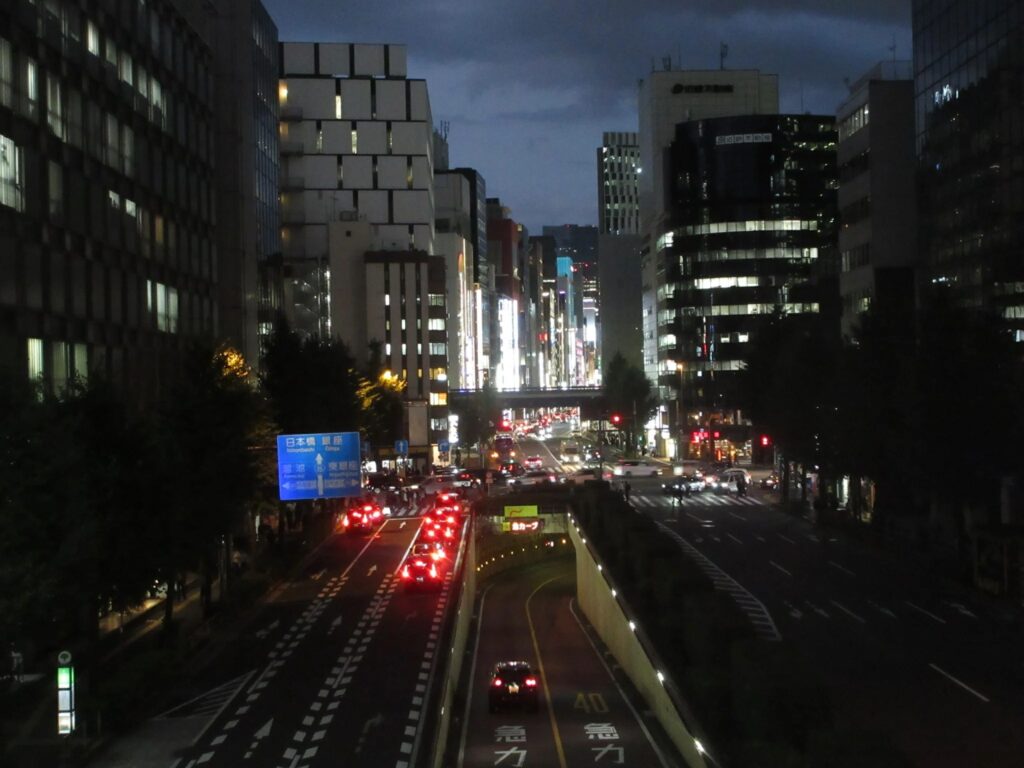
I took this on the bridge connecting the Yurikamome monorail terminal and Shimbashi Station last Friday night.

Random crap.
I took this on the bridge connecting the Yurikamome monorail terminal and Shimbashi Station last Friday night.
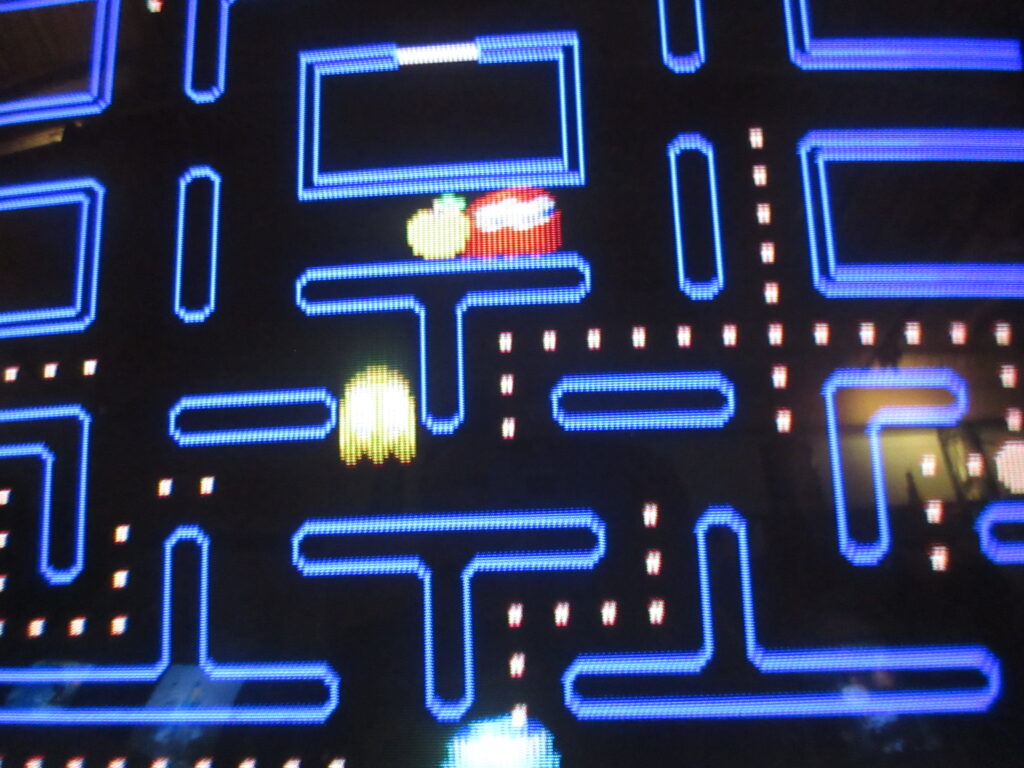
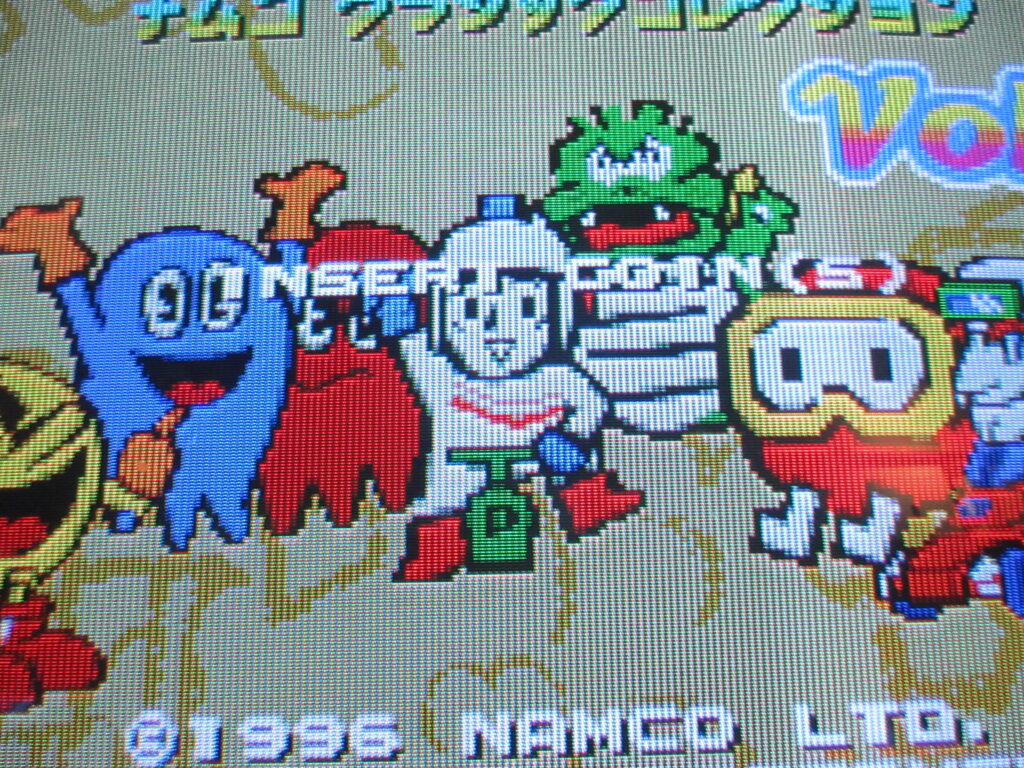
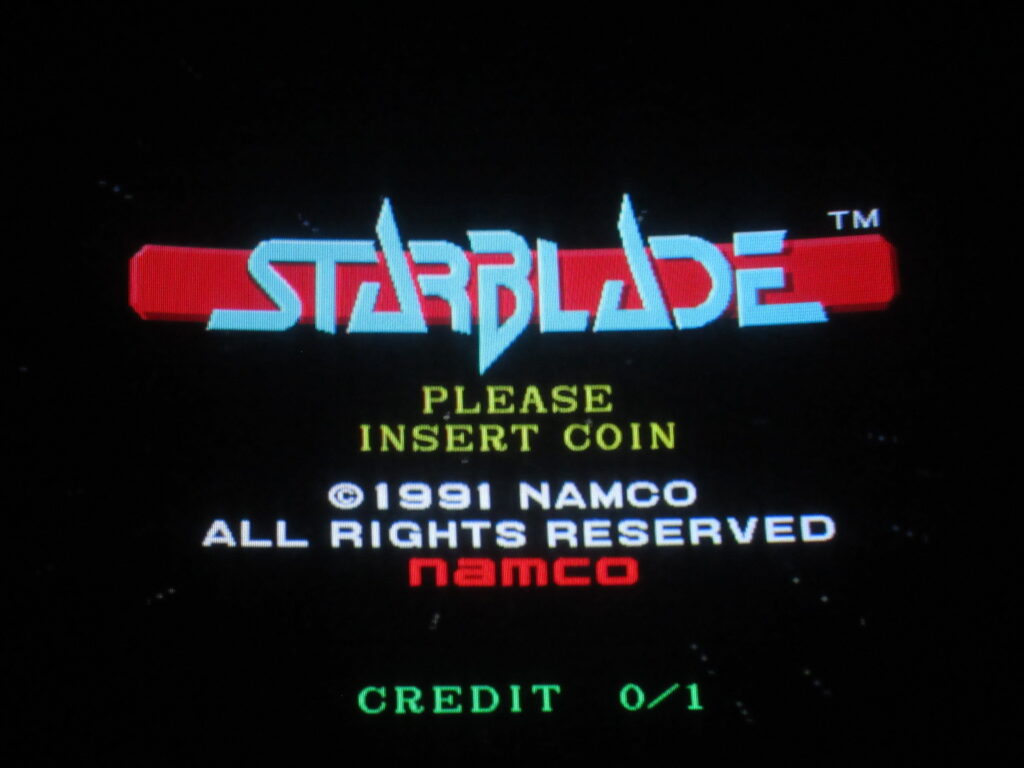

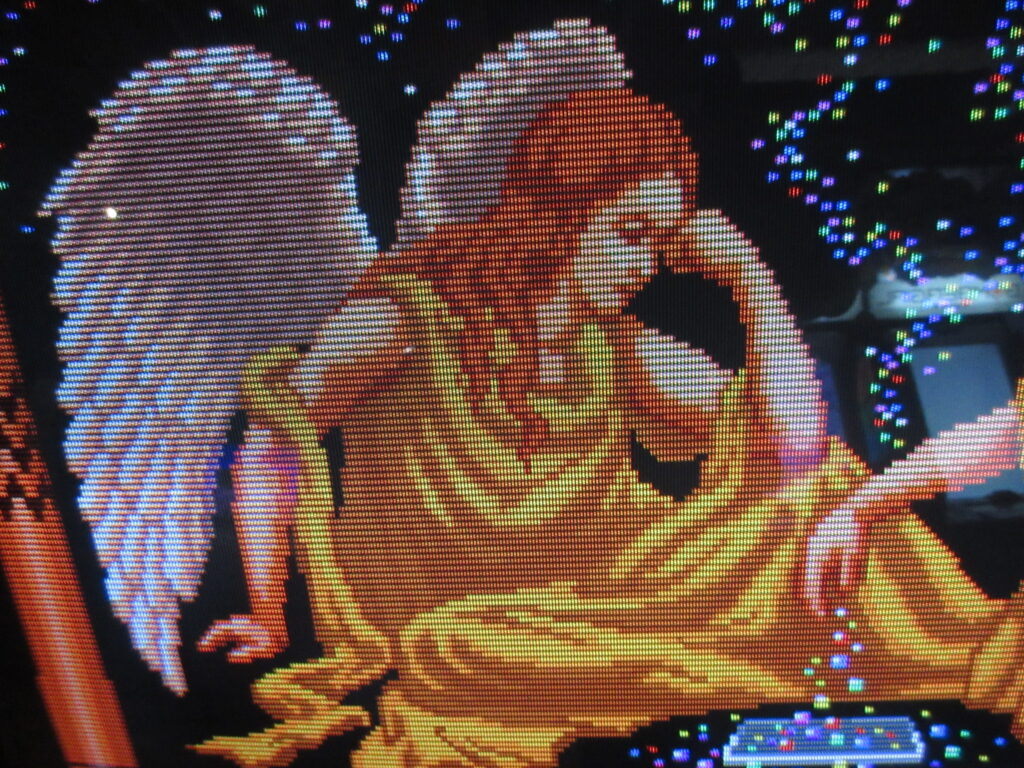
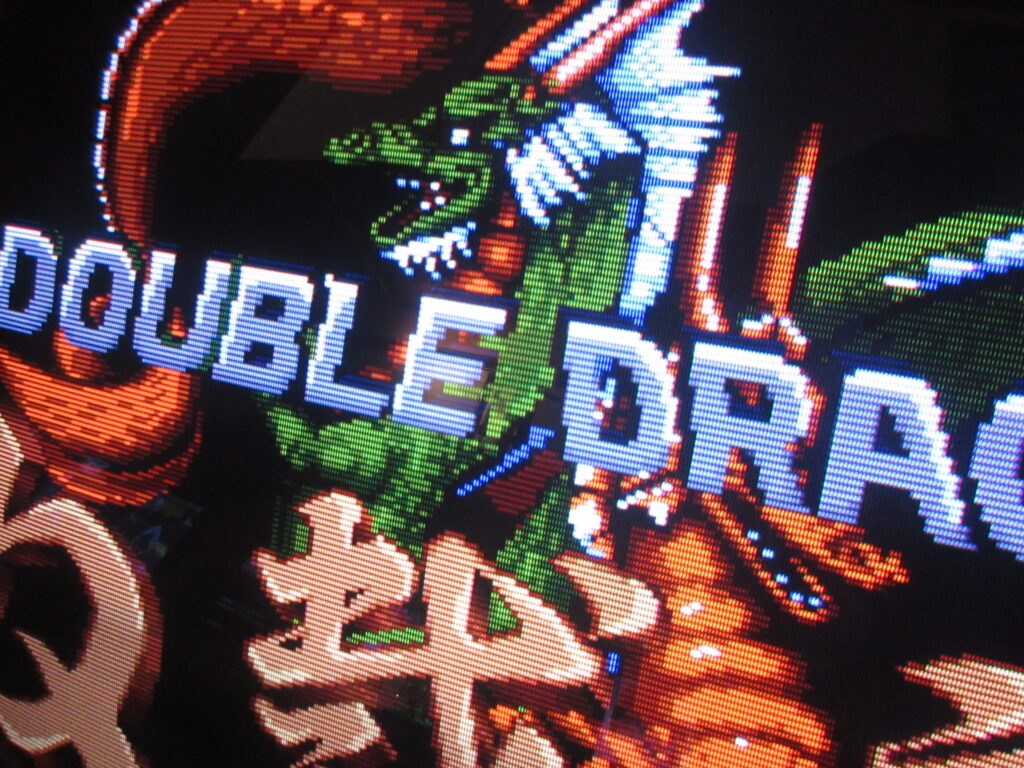
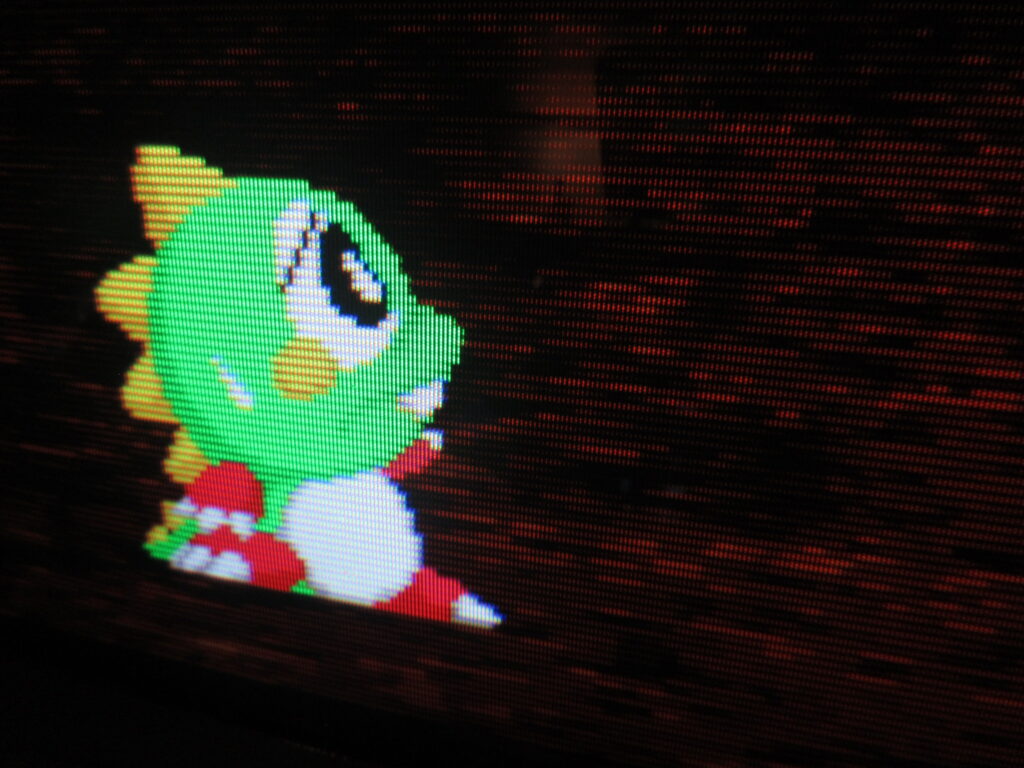
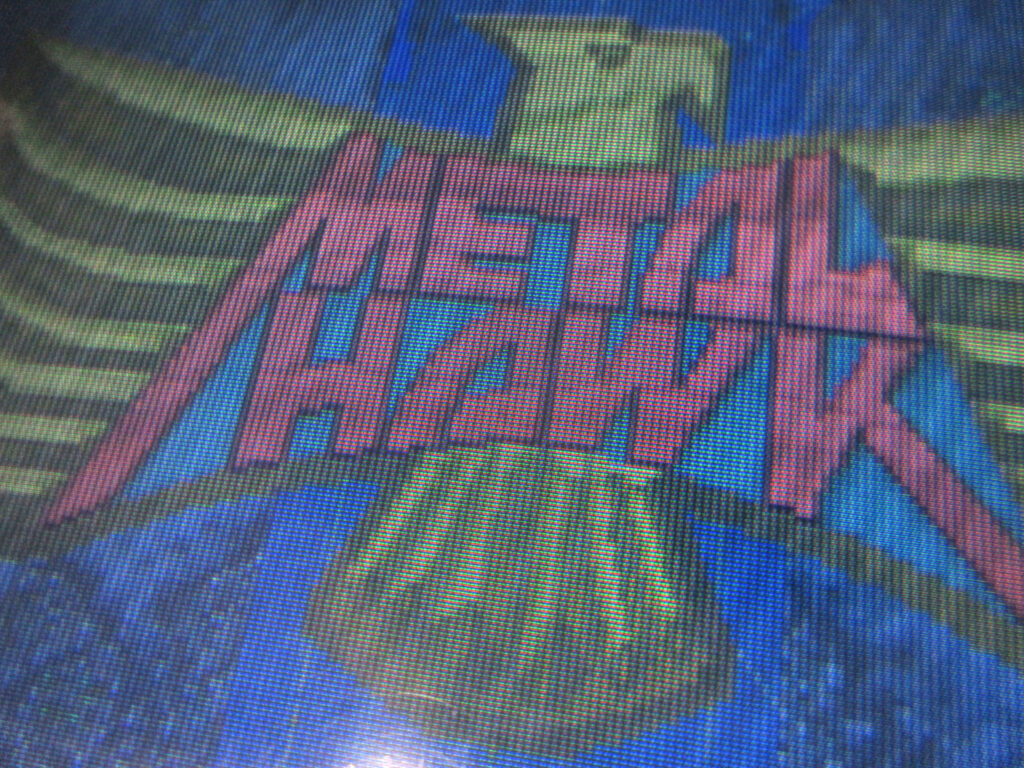


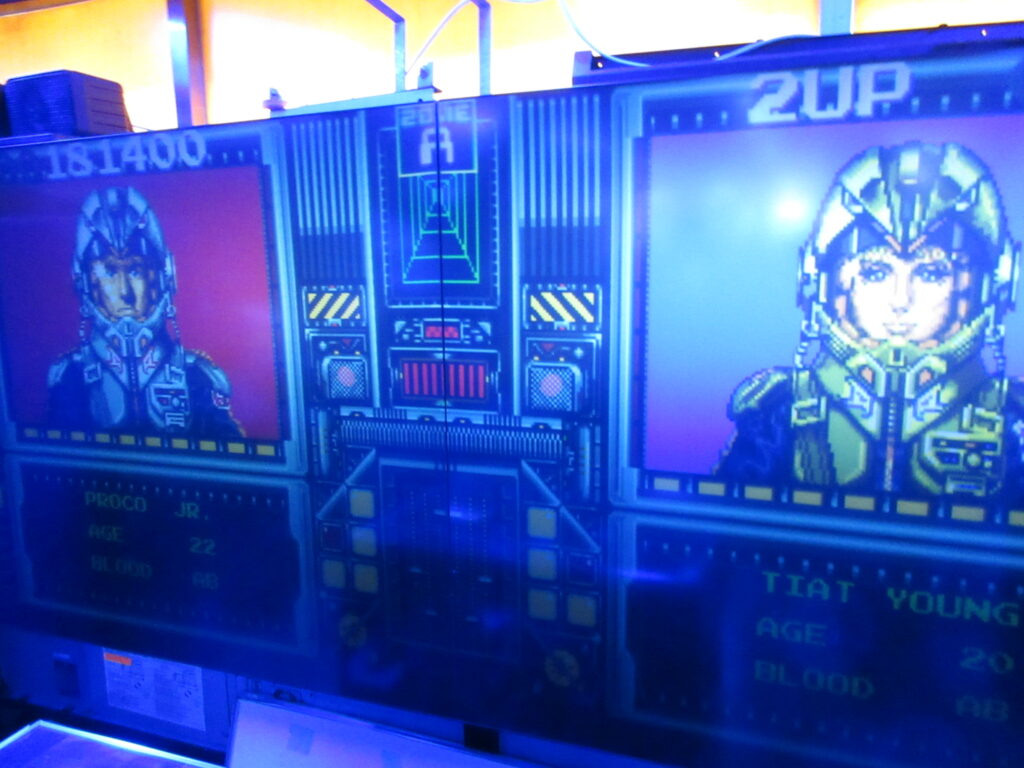

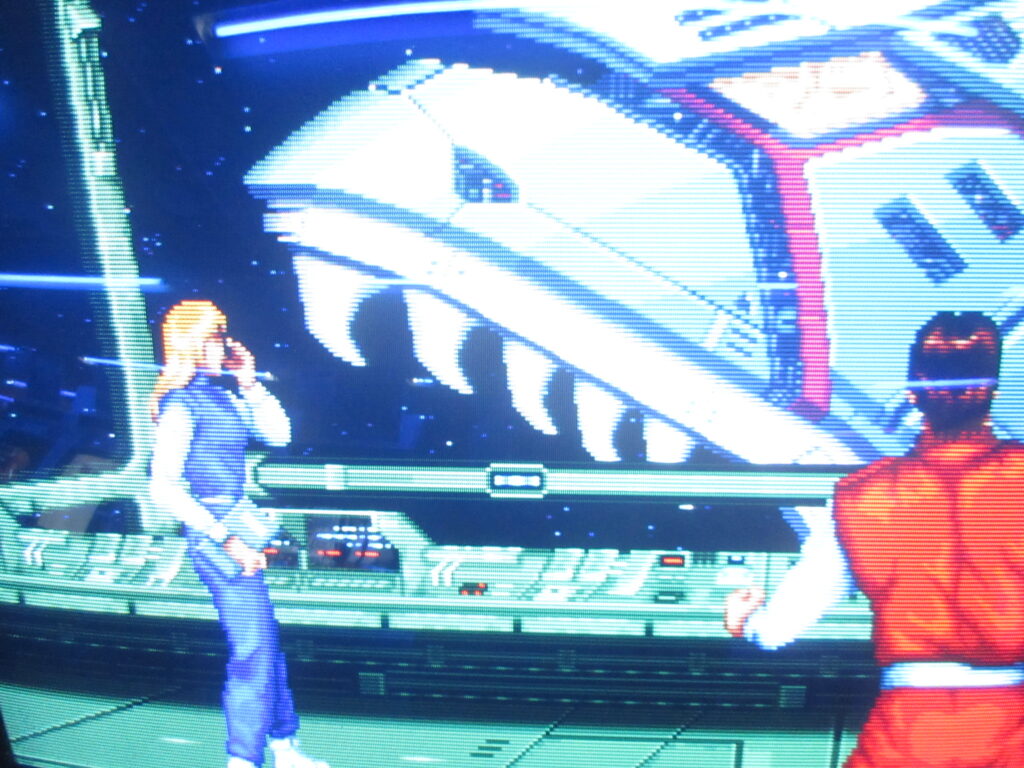






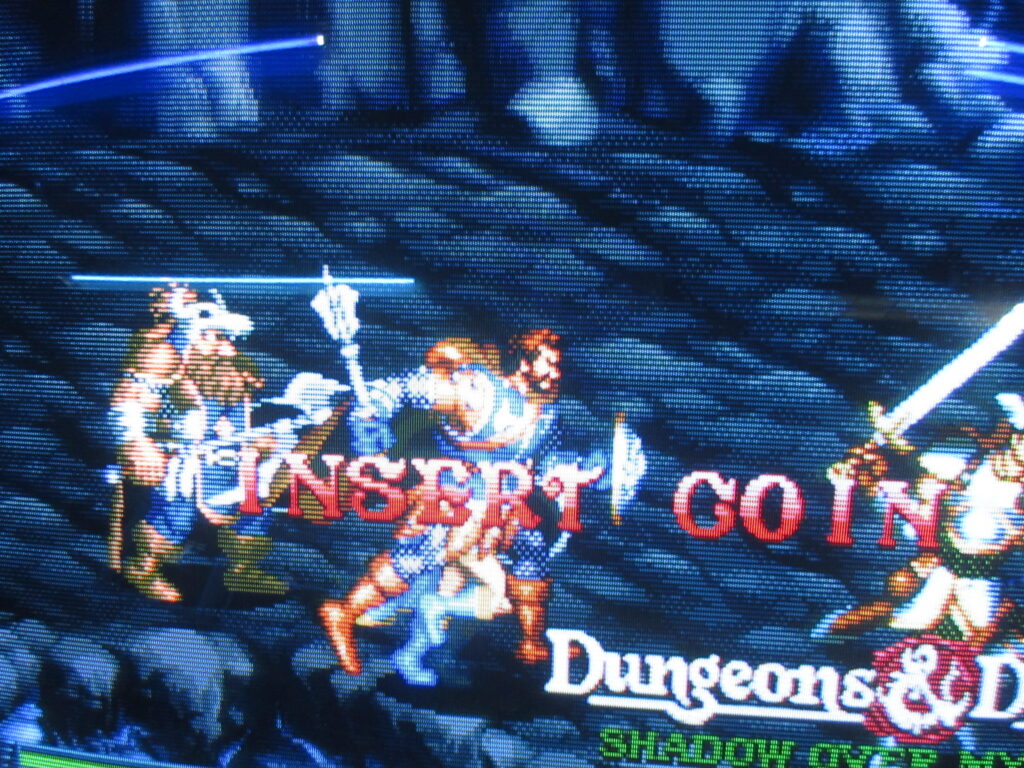
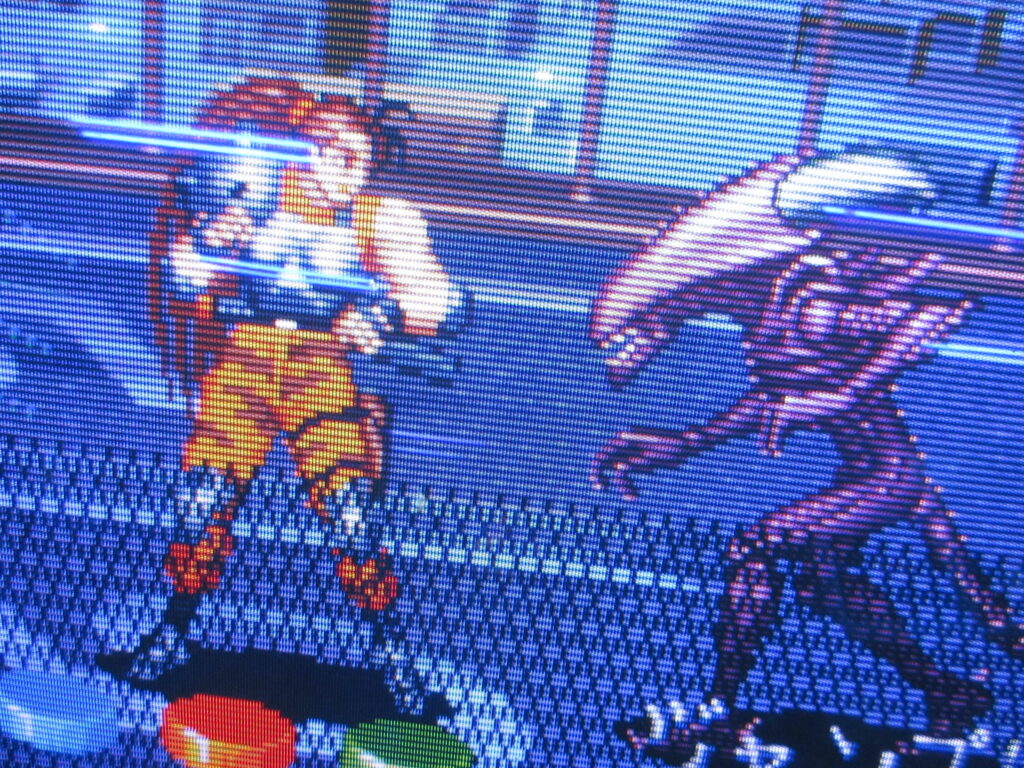


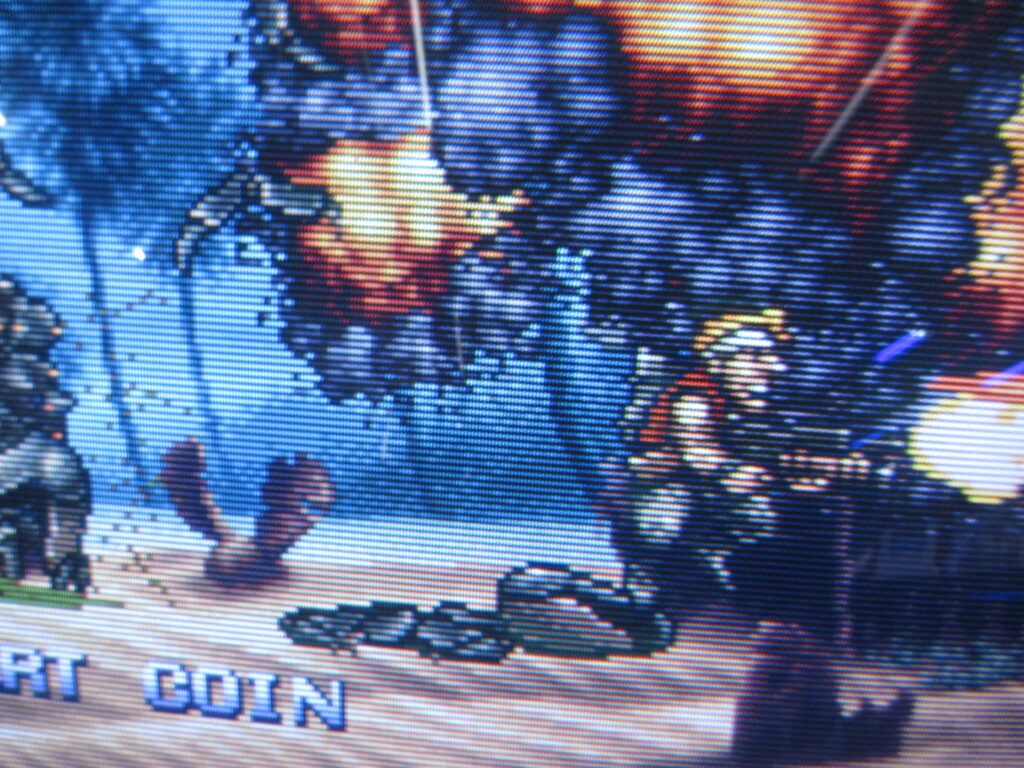
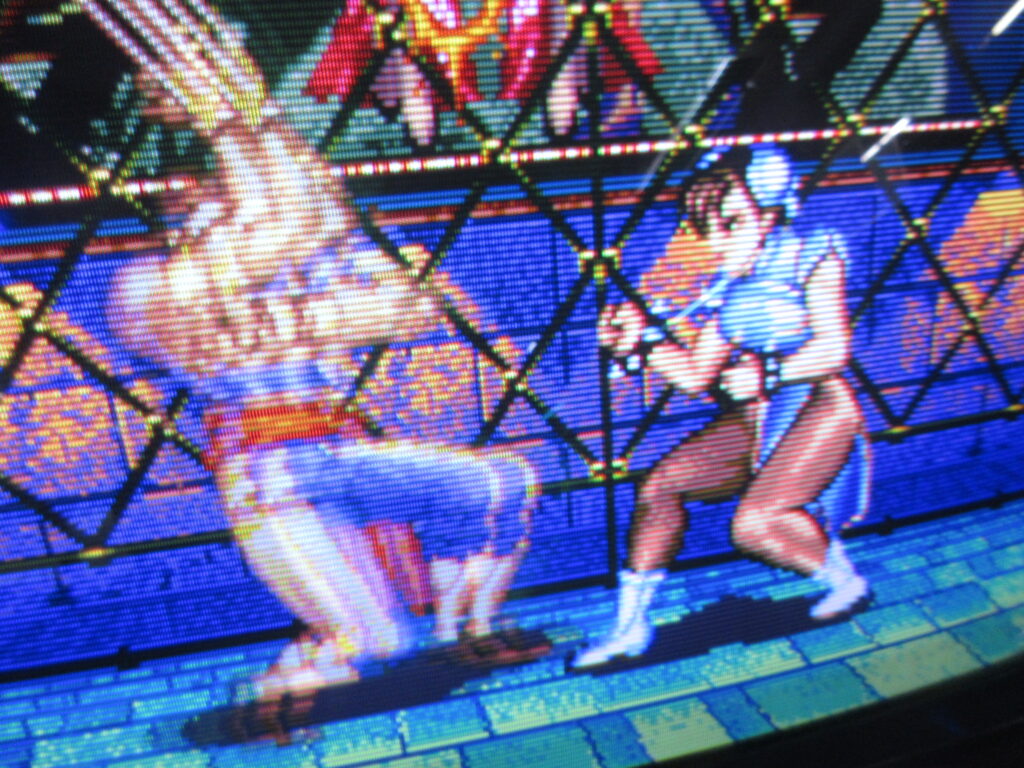

My friend Kevin took these pictures at the Starfighters arcade in Arizona I visited last year. They have some new pinball additions by Stern!
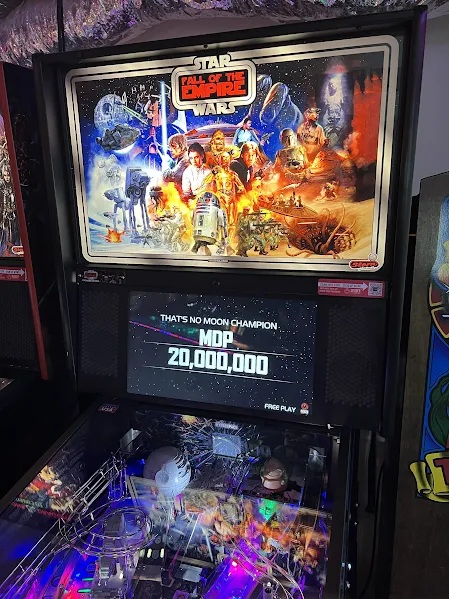
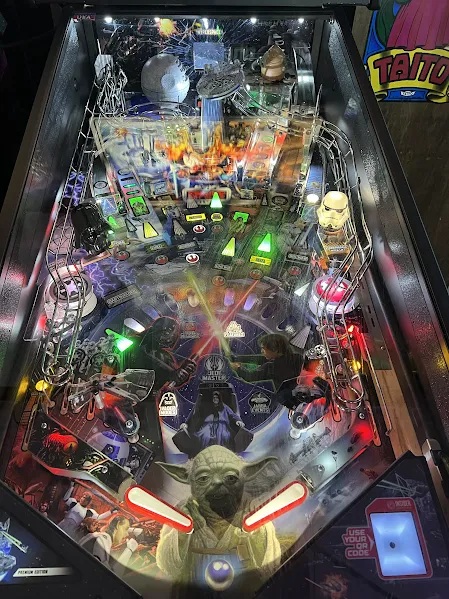
Star Wars: Fall of the Empire. Visuals only from the OT! Prequels can get lost.
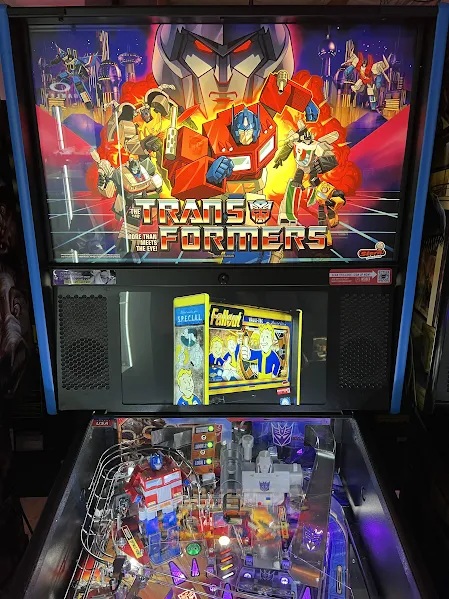
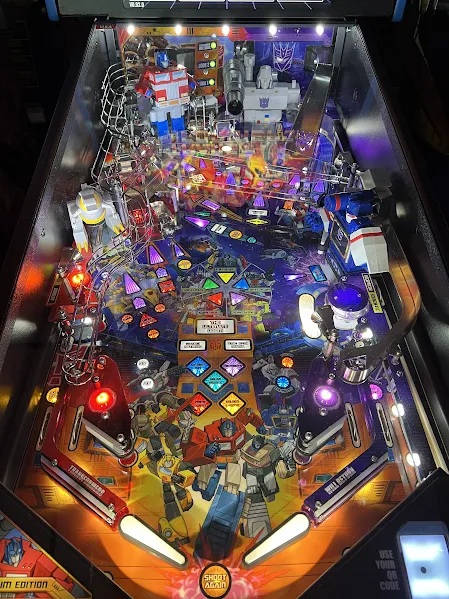
G1 Transformers! Yeah!
Unfortunately, I no longer know of any places in Japan where I can play pinball. There was a Mikado location near their main game arcade that specialized in pinball, but it closed down.
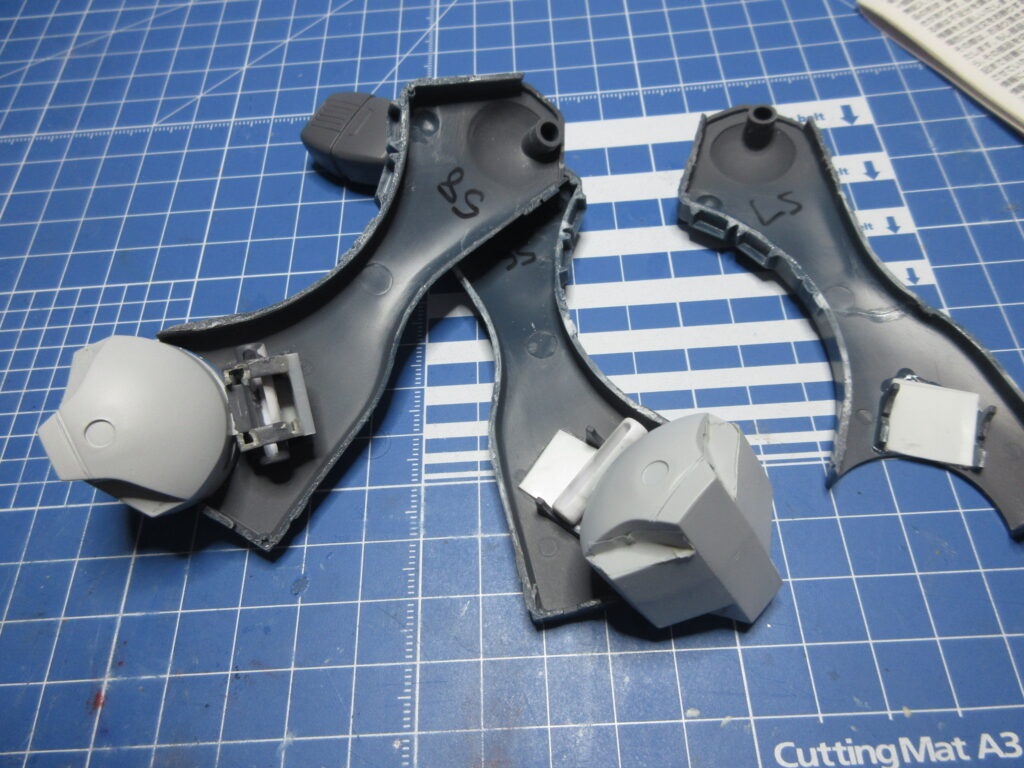
With the way the feet are out of the box, there isn’t a lot of lateral movement. The feet have these cylinders that plug into brackets and have end caps which keep them in place. No glue required, I guess. Well, the problem with that is that there isn’t much lateral movement with the feet. The end caps have locator tabs which correspond with the brackets, making the feet really straight. That’s not what I want.
I noticed that these cylinders fit excellently into the 5mm hole sockets of the square parts of the BJ-03 Pla-Sapo (“plastic support”) sets by Wave. Above you can see how I snipped off the bottom of the brackets and placed the square parts a bit lower so that these cylinders can allow more lateral movement. Those end caps are no longer required!
When the legs halves are put together, I noticed that there was an 11 mm gap between the brackets. The square parts are 10mm, so I used Tamiya .5mm plastic sheet between the brackets in order to create a snug 11mm width.
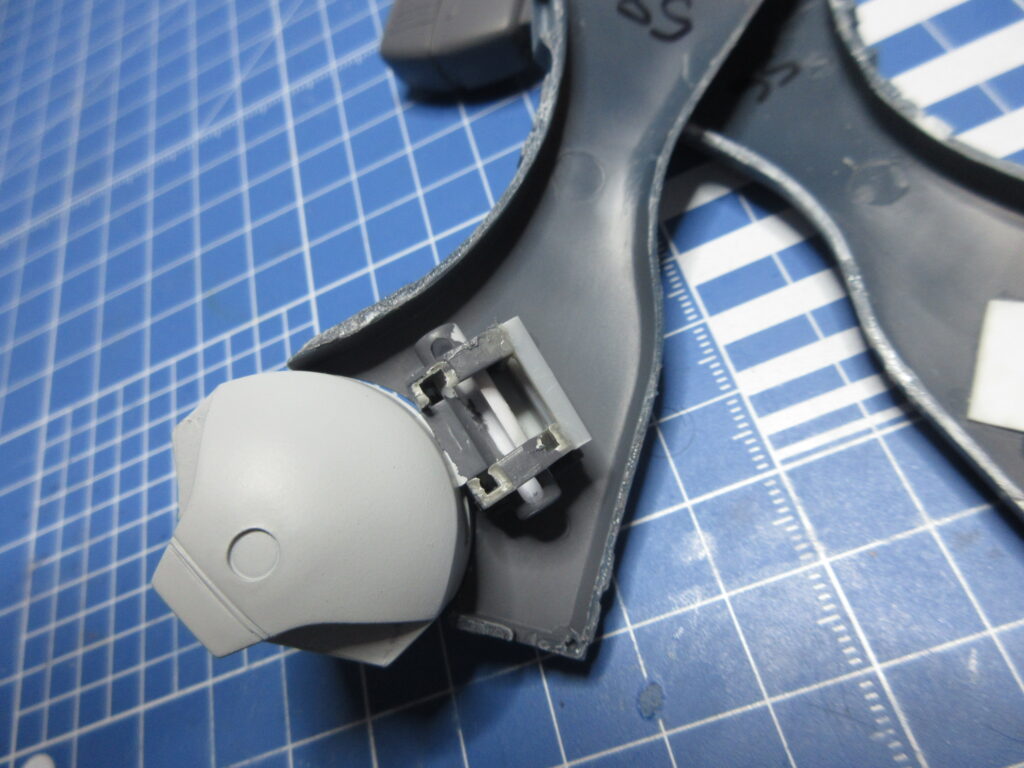
Oh but wait… the square shapes were preventing the feet from swinging side to side, so I cut off the corners. I used Wave 2mm quarter circle plastic sticks to act as braces. I also hand-painted the parts gray. so that they won’t be so noticeable.
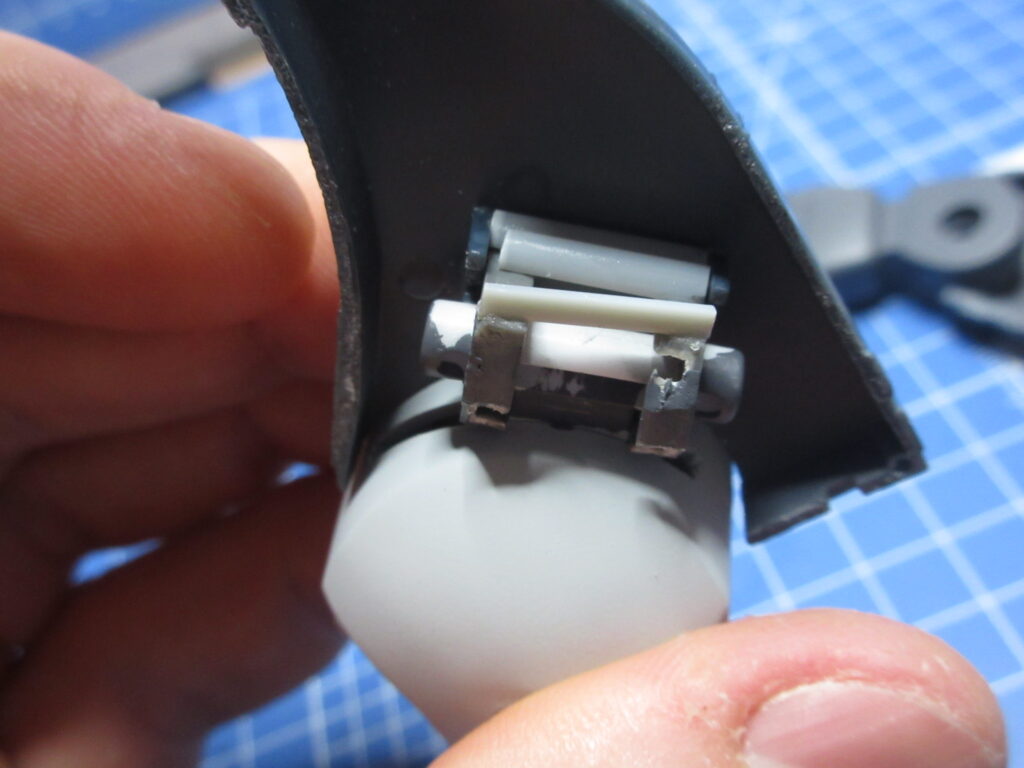
It’s crude, but it works. I also had to cut off the top corner of the front square because apparently the legs are a bit tapered towards the front, I guess. I’m not sure.
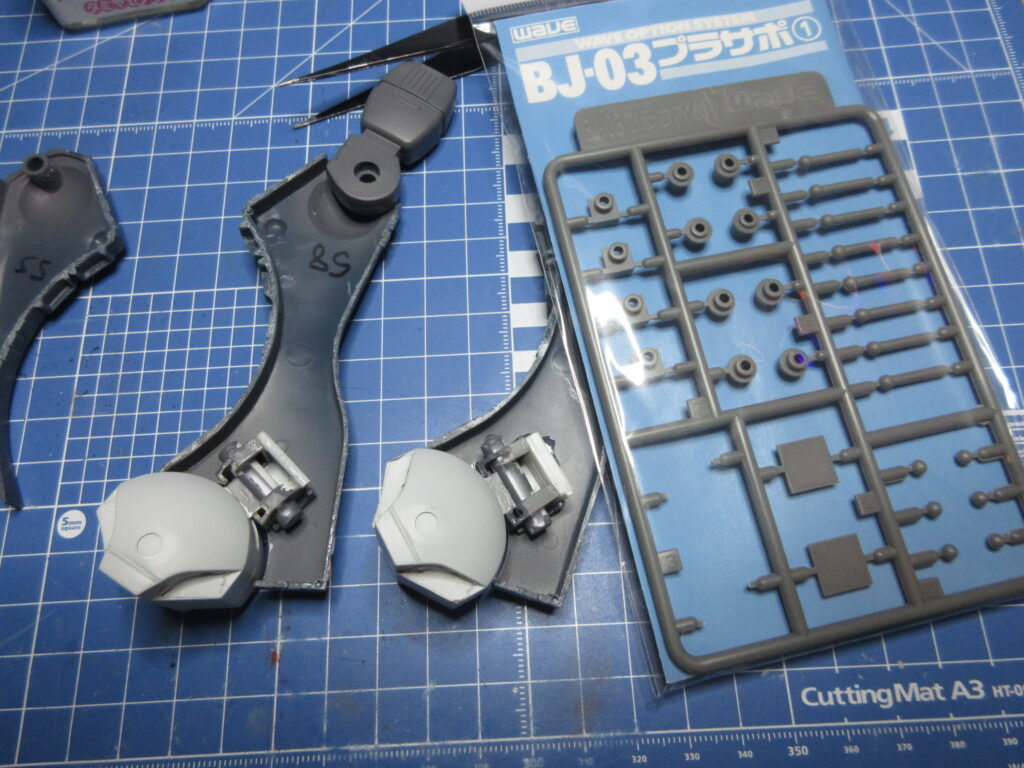
So now both feet are complete. I used Tamiya 4mm square plastic rod to brace the other foot. From here, all I have to do is put glue in the right area and sandwich this work in between the two leg halves and be done. Now I can resume painting.

Deedlit from Record of Lodoss War on my Mint Mate desktop.
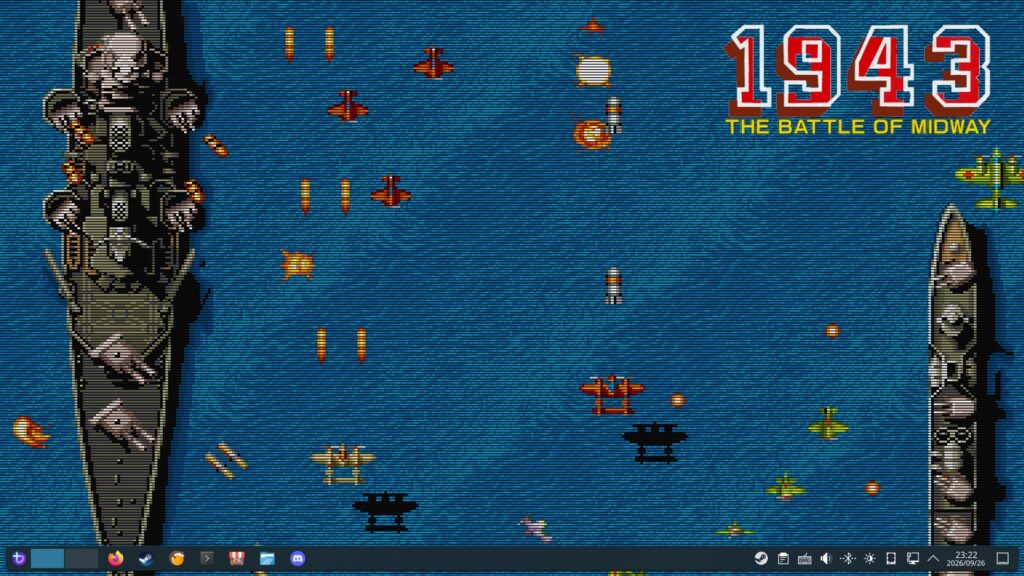
1943 wallpaper for my Bazzite Steam computer. I had Shantae in a bikini over the summer but now that summer is over, I’ve moved onto this wallpaper. I love the scanlines. I’ve been playing a lot of 1943 actually on Capcom Arcade Stadium volume 1 on Steam.
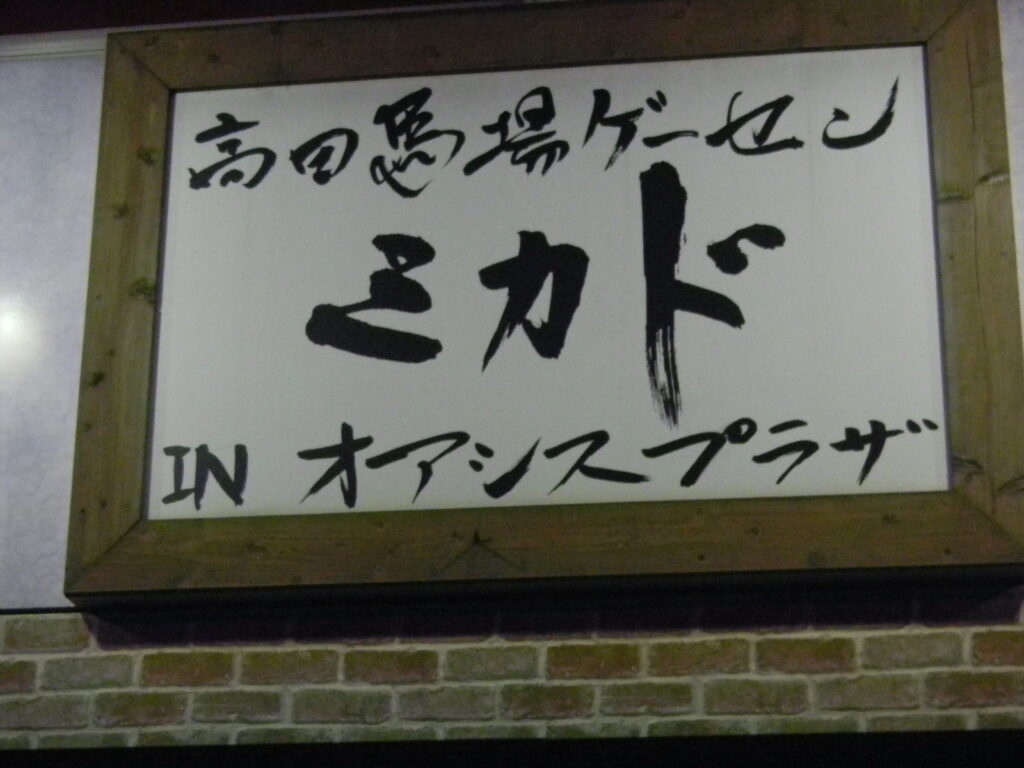
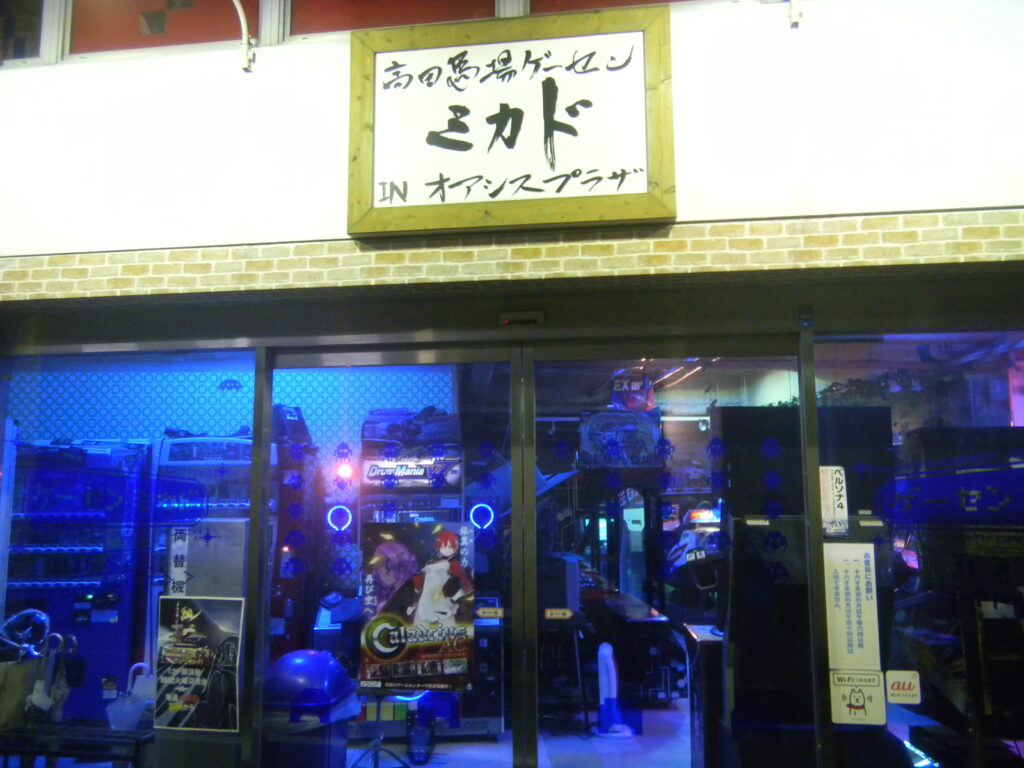
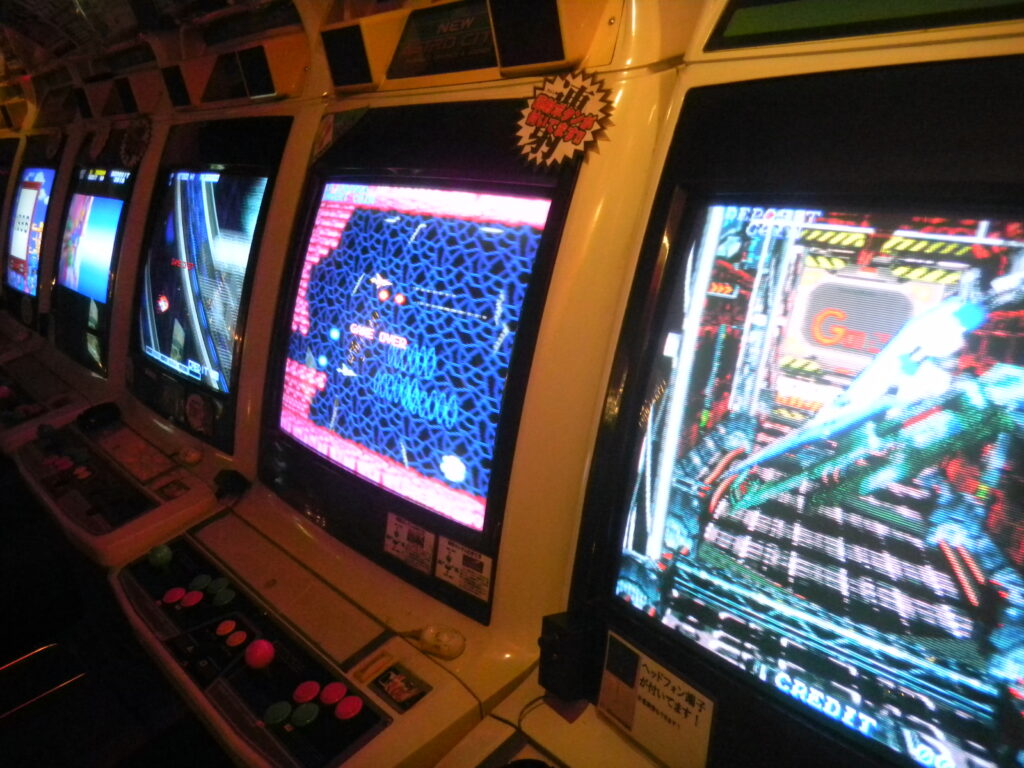
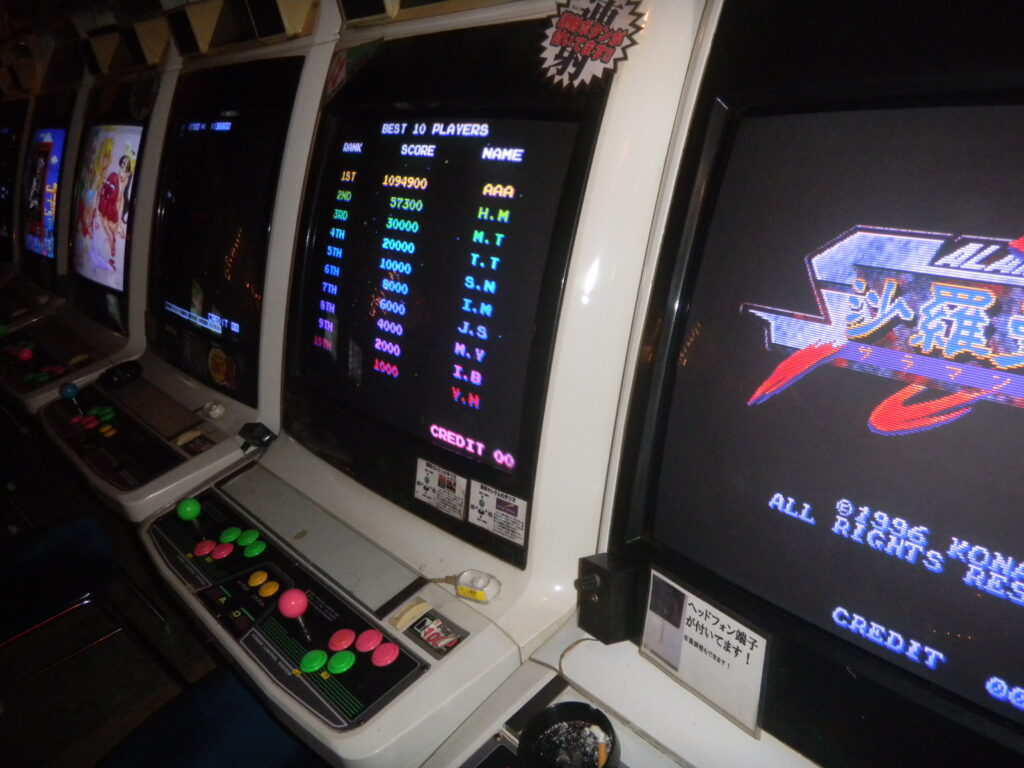
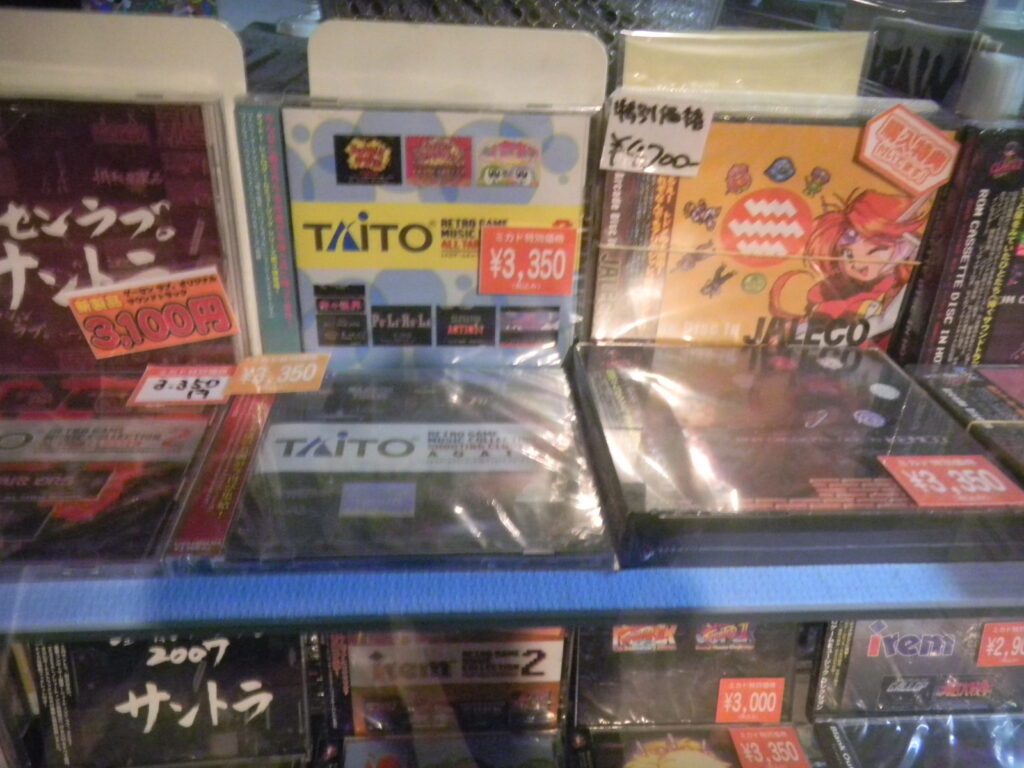
I found these photos from December 2013 on my hard drive, so I decided to post them here. This is the Mikado location next to Takadanobaba Station in Tokyo.
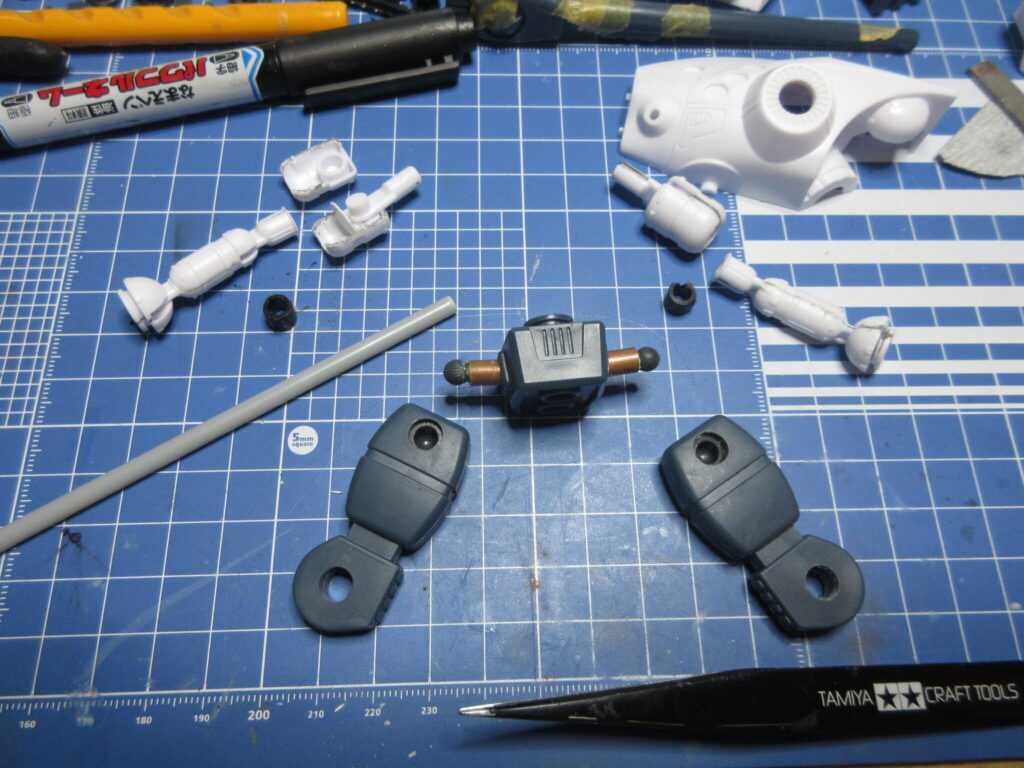
I mentioned in my first update that I was going to use ball joints for the arms. I realized that this would be a bad idea because those are arm pegs and putting ball joints on the tips would make the arms look too long. Instead, what I did was use my Tamiya saw blade to cut the arms at just below the shoulders. I then ran the extra thin cement onto the joints several times to loosen up the dried glue and then I was able to pop them apart with my knife. I used my contour tool to figure out that these shoulder parts will fit 9mm discs inside which I cut out from Tamiya pla plate. This will prevent epoxy putty from oozing into the articulated joint, I hope. The black polycaps are from some Bandai kit. I’ll need to use epoxy glue to secure them into place inside the shoulder parts. The Wave 4mm plastic rod you see fits rather nicely into the elbow joints and into the black polycaps.
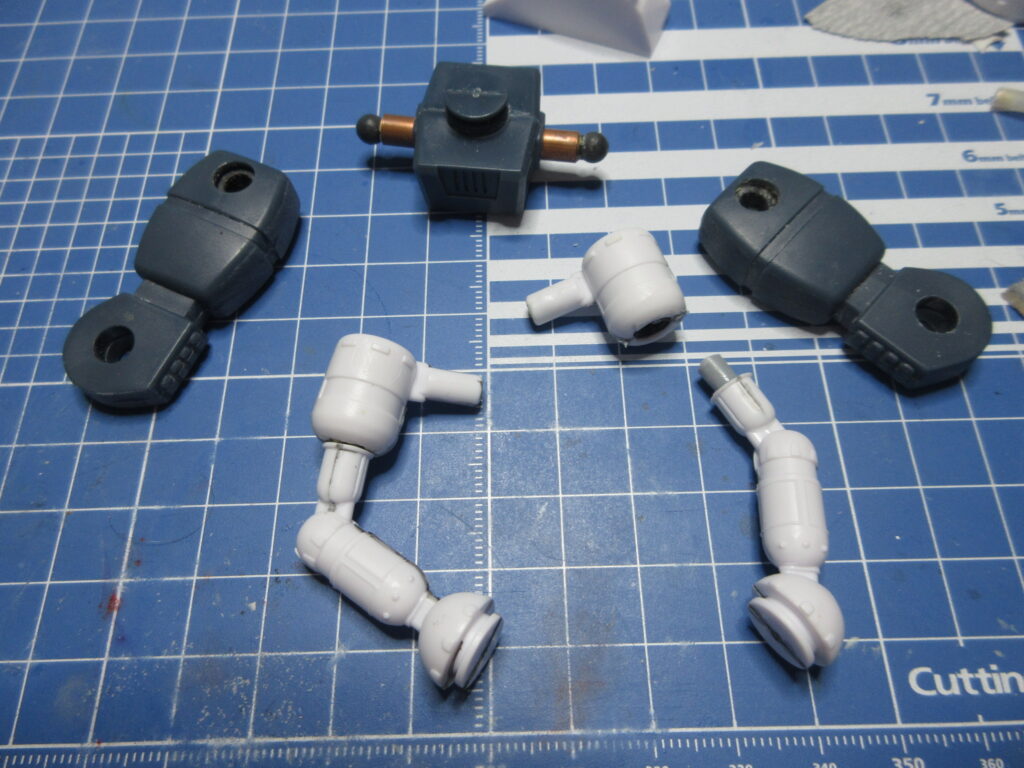
After attaching the polycaps to the discs with epoxy glue, I then wrapped epoxy putty around the polycaps inside of the shoulder pieces to secure them into place. On the right you’ll see the plastic rod and on the left you’ll see the arm segments joined together. My Glaug now has a kung-fu grip!
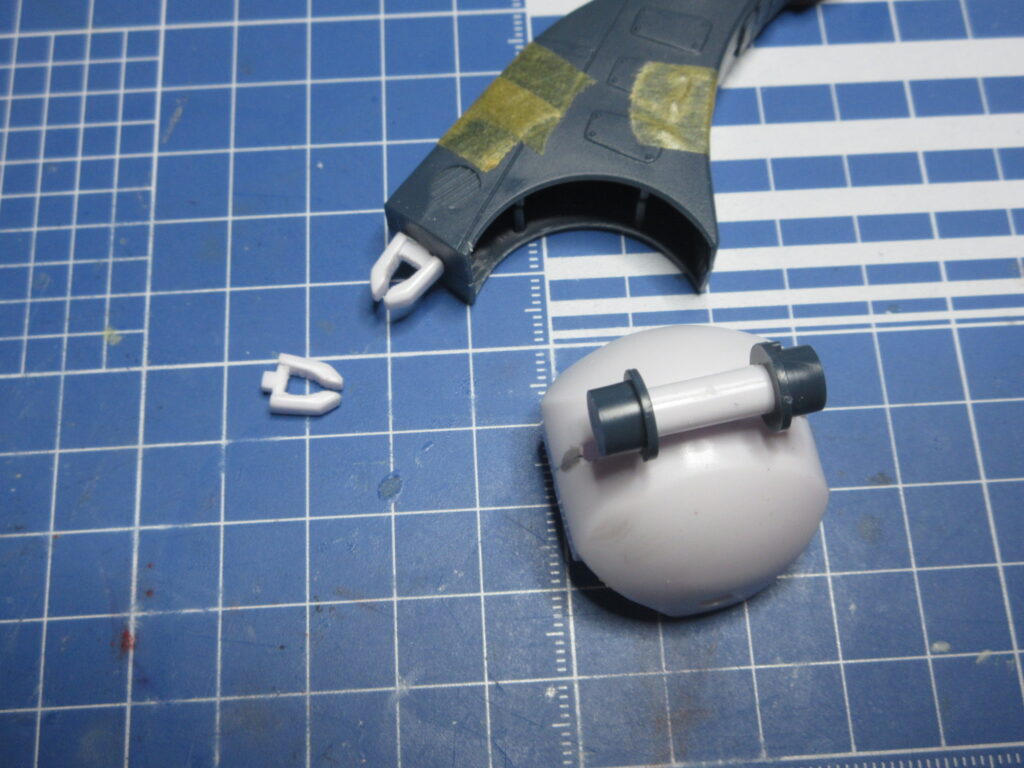
The Glaug has these extending claws on its “toes,” but they are not opened claws. The example kit built for the instruction book just has the interior painted black to simulate the claws, but I wanted to open these parts up. I began by using my .5mm drill bit in my pinvise to drill out a series of smaller holes along the inside edge of where I wanted the parts to be emptied out, then used a 1mm bit for the bigger part in the middle. I then used my God Hand bit blades to punch out the inside area. From there, I just used my fine file to get inside and smooth it out.
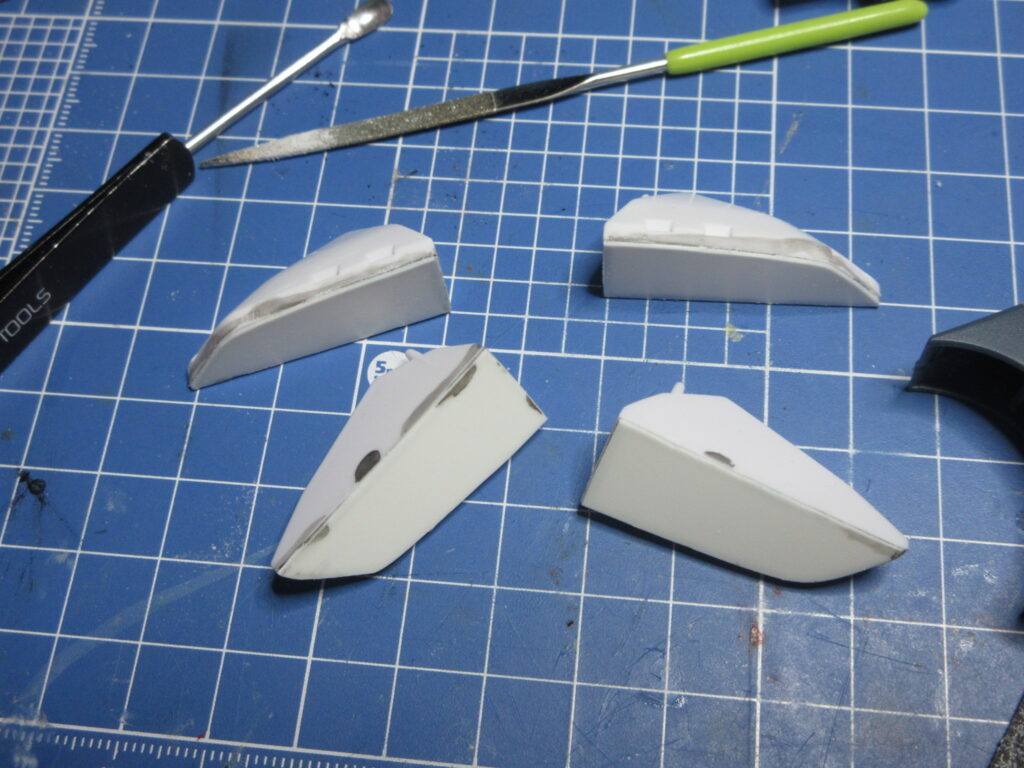
I also had to address the fact that there are no bottoms to the feet sections! They’re just hollow. I traced out the feet sections onto pla plate, cut them out, glued them onto the feet, and then trimmed, filed, and then sanded down excess. I won’t bother adding any textured detail to the underside of the feet, but at least they are no longer hollow.
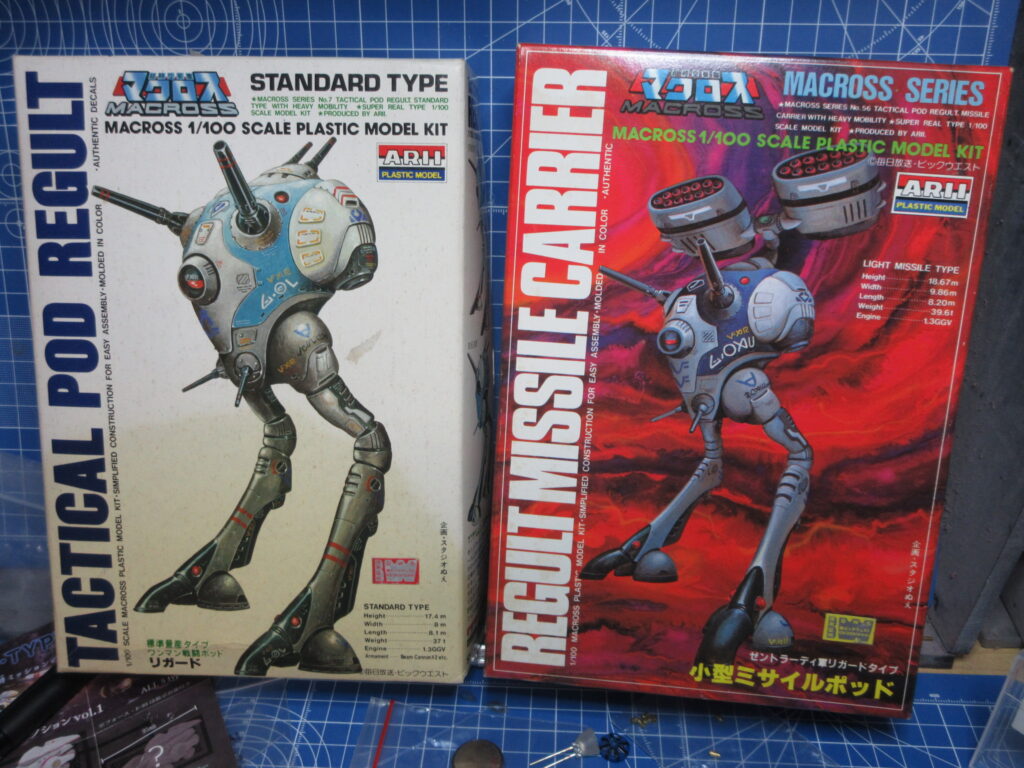
I bought these vintage Arii Macross model kits on YAJ this past week. The standard Regult on the left and the Light Missile Carrier on the right. I’ve already built the Heavy Missile Carrier and Scout Regults. These kits were not repopped for the Macross 15th Anniversary in ’97. In fact as far as I know, the only models Arii released for the 15th anniversary were the 1:100 Destroid and Valkyrie kits (and maybe the 1:170 Valkyrie kits).
The standard Regult was released first, and the “knee” joints aren’t so good. These parts were re-tooled for the scout and the two missile carriers, but the first one isn’t capable of bending into a sort of “fetal position” in standby mode like the others can. Despite their age, the decals for both kits seem like they are alright. Like the Regults I’ve already completed, I will use aftermarket parts by Wave and Kotobukiya to improve detail.
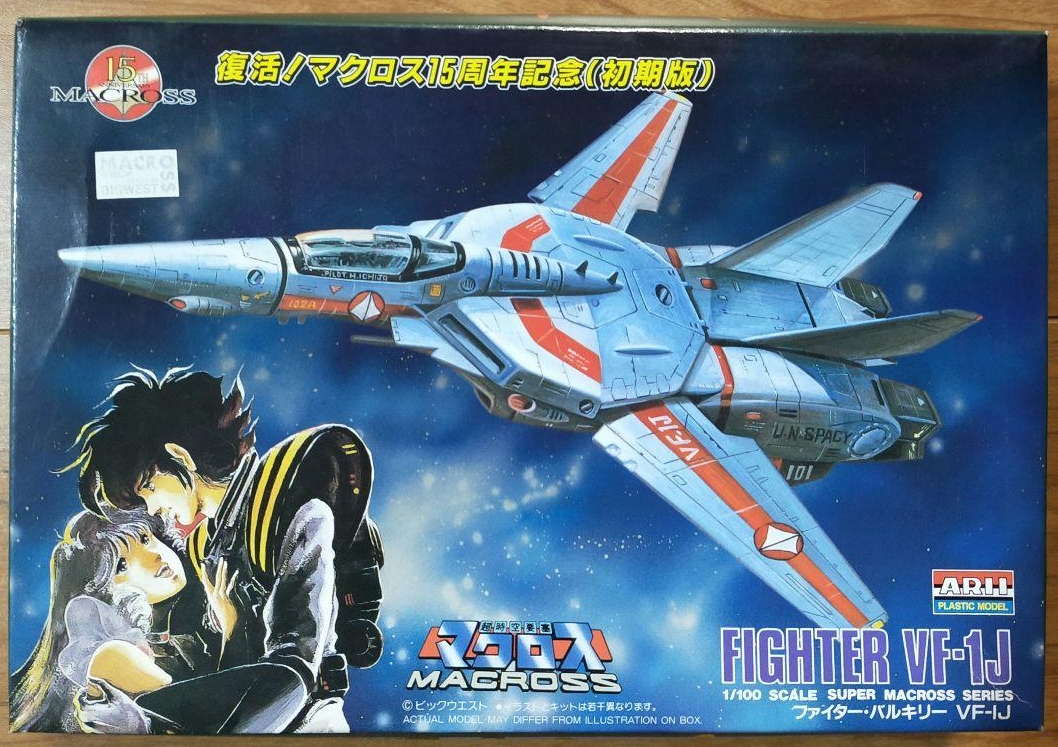
Wow, I’ve never seen this box cover before! This is the 15th anniversary 1:100 VF-1J kit by Arii. Of all the 15th anniversary boxes, I’ve never seen one featuring DYRL artwork. I came across this on Mercari and would be tempted to get it for the box art alone (well, that and because I have an impulsive mental problem), but I wouldn’t pay 4,300 yen for it. Still, the bags inside are unopened and the decals are in good condition. The figure inside is a mystery since the black bag it comes in is unopened. I’ll pass.
I remember when I first visited Japan in summer of 1998, I saw piles of these 15th anniversary Arii model kits. They were on a discount table at a department store and while I was happy to see Macross stuff prominently on display, at that time I had already given up on modeling a few years prior out of frustration and didn’t get back into the hobby until 2005.